


"Starlink" on a booking page tells you which satellite a resort points at. It does not tell you whether you can hold a video call from your room during a squall.
Before you pay, ask any remote resort for proof of how its connection performs in your room and in bad weather, not just a satellite brand name.
We run Reconnect's Wi-Fi on Starlink and solar power in the Togean Islands, where there is no fiber line to fall back on. These are the questions we would want answered before booking anywhere remote.
TL;DR
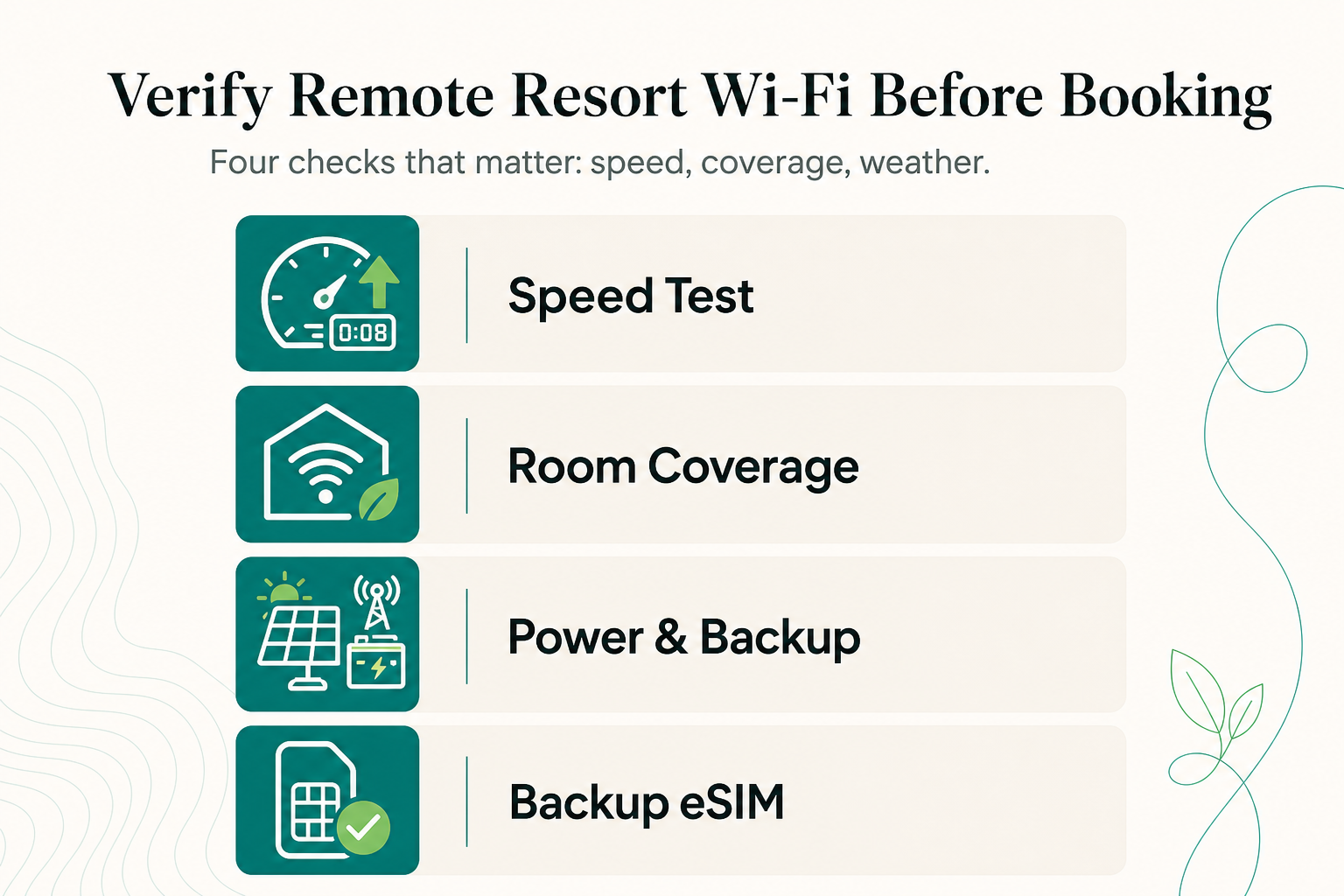
- Speed: ask for a dated speed test screenshot that shows upload and latency, not just download.
- Coverage: ask which rooms, by name, get usable signal. Restaurant speed is not room speed.
- Outages: ask whether power runs around the clock and whether a second connection exists.
- Backup: carry an eSIM on the strongest local network. In the Togeans, that is Telkomsel.
How do you check a remote resort's real Wi-Fi speed?
A speed claim only means something if it shows upload, latency and when the test was taken.
Step 1: Ask for a dated screenshot
Request a test from the past week, taken in the evening when most guests are online. A midday test in an empty restaurant flatters any connection.
Step 2: Read upload before download
The upload speed Starlink delivers is well below its download speed. Upload is what carries your face on a video call and your files to a client.
A resort that quotes only download is answering the wrong question.
Step 3: Divide by the guests
A satellite dish works like one water main feeding every tap on the property. The speed test measures the main. What reaches your tap depends on how many taps are open, so ask how many guests share the connection at full occupancy.
| Task | What matters most | Practical bar |
|---|---|---|
| Messaging, email | Latency, uptime | Low bandwidth is fine |
| Individual HD video call | Upload, latency | Steady upload, tested at peak hours |
| Uploading photos or video | Upload | Ask for the real upload figure |
| Streaming | Download | Expect to lower the quality at peak hours |
Will the Wi-Fi reach your room, or only the restaurant?
On small islands, the main access point often lives in the shared restaurant or bar. Dense concrete blocks far more signal than wood or bamboo, and beachfront rooms along a shoreline can sit beyond range.
Ask the resort:
- Is there one router, or are there extra access points?
- Is there a table and a power outlet in the room?
- Do recent reviews mention working from that specific room?
Our honest answer: Reconnect's Starlink is strongest in the restaurant and also available in the rooms. For long work days, the restaurant is the reliable spot.
Outlets are European-style, with USB ports in most rooms.
What happens to island Wi-Fi during storms and power cuts?
Dense rain clouds absorb part of a satellite signal, so speeds can drop or briefly cut out mid-storm.
Ask what powers the router
- Does power run 24 hours or on a schedule? The Wi-Fi follows the power.
- If the satellite drops, is there anything else? Usually only a weak cellular signal.
On Buka Buka, the Wi-Fi runs on a solar array of around 40 kWp with a battery bank, supplying 93% of our electricity. A diesel generator stays on standby as backup only.
Bring your own backup
- Activate your eSIM before your flight into Luwuk.
- Treat it as a backup for messages, not as your main work line.
Frequently Asked Questions
Is resort Wi-Fi safe for banking and work logins?
Ask reception for the exact network name before you connect, so you do not join a look-alike network. Also ask whether guest devices are isolated from each other on the network. Use a VPN for work logins and banking.
Can I work remotely for a month from the Togean Islands?
Yes, if you schedule calls around the occasional storm and keep offline copies of key files. For monthly or longer stays, Reconnect's Island Residency program sets a rate with you directly.
Can I top up mobile data once I arrive?
Do not rely on it. There are no ATMs in the Togean Islands, and the nearest one is in Luwuk. Buy enough data, and carry enough cash, before you leave the mainland.
What should I download before the trip?
Offline maps, boarding passes, work documents and anything you plan to watch. The road and boat legs are not the place to depend on a signal.
About Reconnect
Reconnect is a 20-room Private Island Resort and eco-resort with an on-site SSI dive center in the Togean Islands. For connectivity questions before booking, contact us via WhatsApp, hi@reconnect.id, or https://reconnect.id.
References
- Hotel Wi-Fi security checklist (insights.ehotelier.com)
- Is hotel Wi-Fi safe? How to secure your connection when you travel (moonlock.com)